
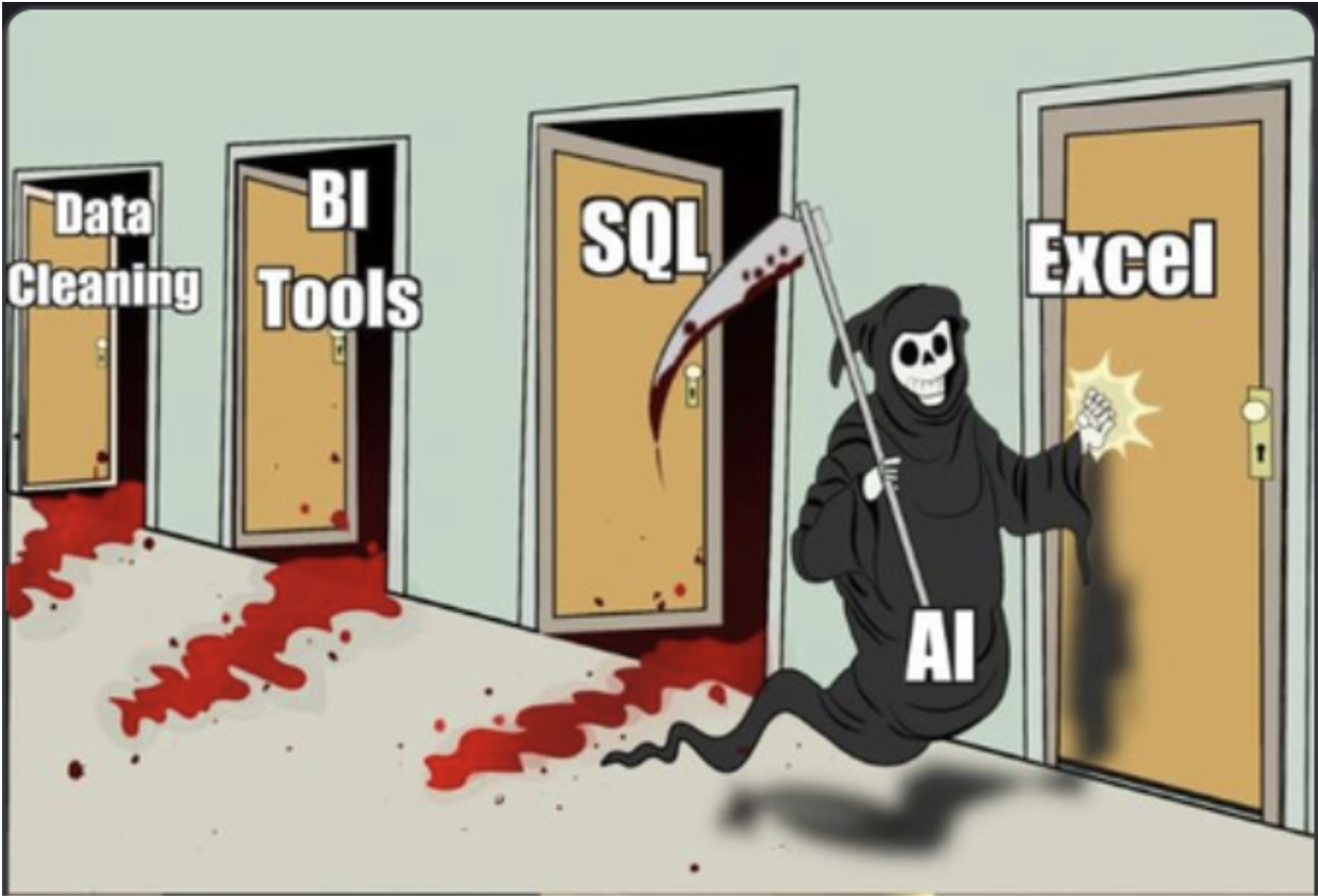
Every few weeks for the past two years, someone on a diligence team would ask us the same question: "When are you going to support Excel?"
And every time, we said: not yet.
Not because we didn't want to. Not because we couldn't. But because we'd watched what happened when other AI tools tried, and we refused to ship something that confidently returned the wrong capacity factor from a revenue model. In power infrastructure finance, the real diligence doesn't live in the pitch deck — it lives in the spreadsheets. Nested tabs of operating assumptions, construction budgets with merged headers, pro formas that reference six other workbooks. Getting a company name wrong in a legal summary is embarrassing. Getting a number wrong from a financial model can move a deal in the wrong direction.
So we waited. We watched the research evolve. We tested internally. And we recently rolled out Excel information extraction across the platform — with cell-level citation back to the source. Here's what changed, what the research says, and where we think this is headed.
A Brief History of AI vs. Excel: A Comedy of Errors
Before we talk about what's working now, it's worth appreciating just how badly early LLM-Excel integrations performed. The history is funny if you weren't the one relying on the output.
When OpenAI first shipped Code Interpreter (later "Advanced Data Analysis") in mid-2023, users quickly discovered that GPT-4 would confidently hallucinate cell values, silently skip worksheet tabs, and completely fall apart when encountering merged cells — which, if you've ever opened a real financial model, is approximately every file. One developer on the OpenAI forums summarized the experience succinctly: GPT-4 working with merged cells in Excel "produces endless errors." Cells would shift position, data would vanish, and the model would cheerfully report results from a spreadsheet it had misread.
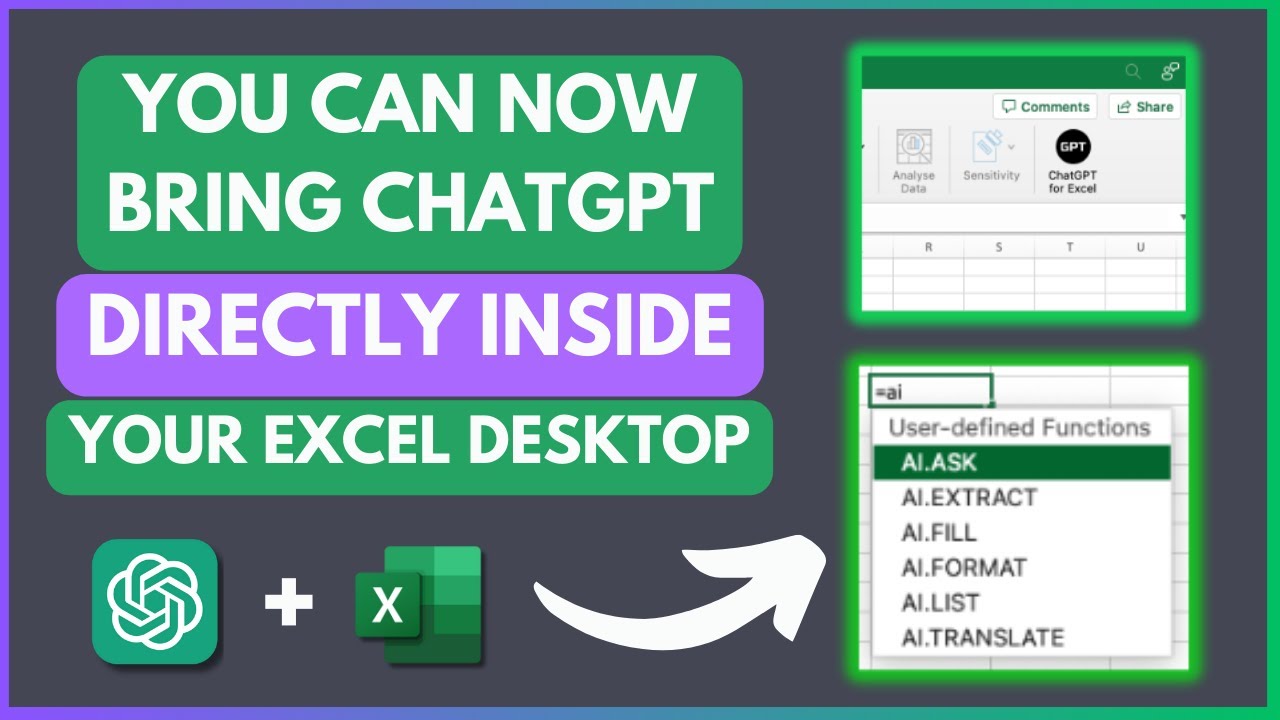
The pattern was consistent. Users would upload a spreadsheet, ask a straightforward question, and get back a confidently wrong answer. The model wasn't reading the spreadsheet so much as guessing about it — treating structured tabular data the way it treats natural language — probabilistically. Commas in CSVs got interpreted as text rather than delimiters. Row-column relationships evaporated. Multi-sheet workbooks were routinely ignored.
And then someone put GPT-2 inside an Excel spreadsheet — a 1.25 GB .xlsb file with 124 million parameters implemented as cell formulas. It could handle 10 tokens of input. The irony of an LLM running inside Excel being more reliable than an LLM trying to read Excel was not lost on the community.

The Research Landscape: What the Benchmarks Actually Show
The Benchmark Gap
The most cited financial table QA benchmarks — FinQA (Chen et al., 2021) and TAT-QA (Zhu et al., 2021) — evaluate whether models can answer questions over tables extracted from public company filings: 10-Ks, 10-Qs, earnings reports. They're useful, but they measure something different from what happens in a data room. A table in a 10-K is a finished artifact — clean headers, consistent formatting, published by a compliance team. A spreadsheet in a data room is a working document — built by an analyst under deadline pressure, with merged cells that encode implicit hierarchy, hidden sheets that drive calculations, named ranges that reference external files, and formatting conventions that vary not just between counterparties but between tabs in the same workbook. Answering "what was Q3 revenue?" from a 10-K table is a retrieval problem. Answering "what was Q3 revenue?" from a developer's pro forma model where the answer lives in a SUMPRODUCT formula referencing three other sheets is a comprehension problem.
More recent spreadsheet benchmarks exist but tend to measure the wrong axis. SpreadsheetArena evaluates LLMs on end-to-end spreadsheet generation — can the model build you a nice-looking budget template? That's a real capability, but it's orthogonal to the due diligence problem, which is: given a 47-tab workbook built by someone else with their own idiosyncratic formatting conventions, can you extract the right number from the right cell?
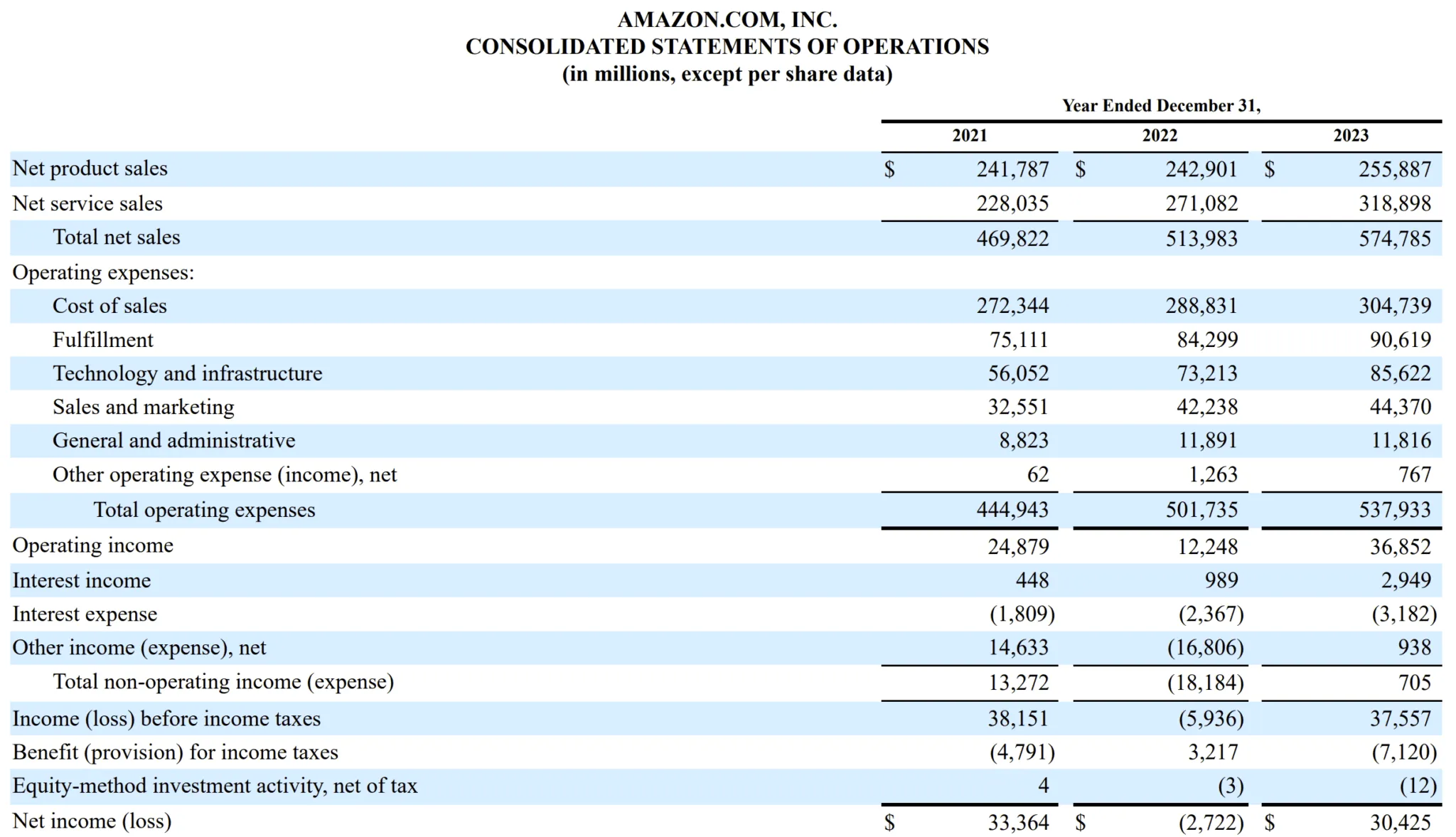
The benchmarks that exist for spreadsheet manipulation — formula writing, table creation, data cleaning — don't capture the challenge of navigating a multi-workbook document room where every counterparty structures their models differently. That's the gap we're working to fill internally.
Then the Right Benchmarks Arrived
For two years, our reasoning was simple: the models aren't ready for this, and shipping something unreliable is worse than shipping nothing. We lacked a paper to cite. We just had the experience of watching frontier models choke on real financial workbooks.
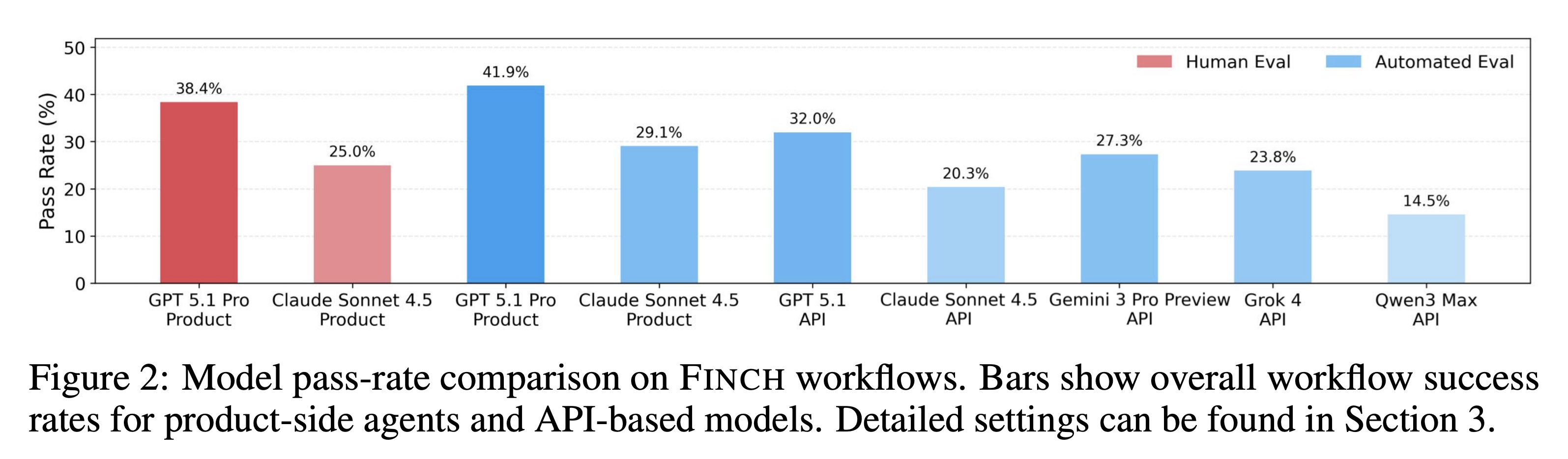
In late 2025, the FINCH benchmark (Dong et al.) gave us the citation. FINCH tests AI agents on 172 real enterprise workflows sourced from Enron and other financial institutions — not clean benchmark tasks, but the actual messy, multi-step work that finance professionals do. The dataset spans 1,710 spreadsheets containing 27 million cells, covering cross-file retrieval, formula validation, data entry across linked sheets, modeling, and reporting. The best frontier model, GPT 5.1 Pro, spent an average of 16.8 minutes per workflow and passed just 38.4% of them. Claude Sonnet 4.5 passed 25%. On workflows involving more than two interdependent tasks — which is to say, most real due diligence work — pass rates dropped to 23.5%.
We felt vindicated.
Then in March 2026, FinSheet-Bench (Ravnik et al.) narrowed the lens to the specific task we care most about: question answering over financial spreadsheets with complex layouts, fund dividers, and multi-line headers — the kind of files that actually show up in private equity data rooms. The best-performing model hit 82.4% accuracy on their simplest files but collapsed to 48.6% on the largest spreadsheet (152 companies across 8 funds). Every model tested showed the same degradation curve, confirming this is a structural limitation, not a model-specific one.
Their conclusion mirrors what we built toward: reliable financial spreadsheet extraction requires architectural approaches that separate document understanding from deterministic computation. You can't just throw the whole spreadsheet into a context window and ask questions. You need systems that understand layout, isolate relevant ranges, and delegate arithmetic to tools that don't hallucinate multiplication.
How We Approach It: Information Extraction with Cell-Level Citation
Our system takes a fundamentally different approach than "dump the spreadsheet into the context window and hope for the best." We treat Excel extraction as an information retrieval problem:
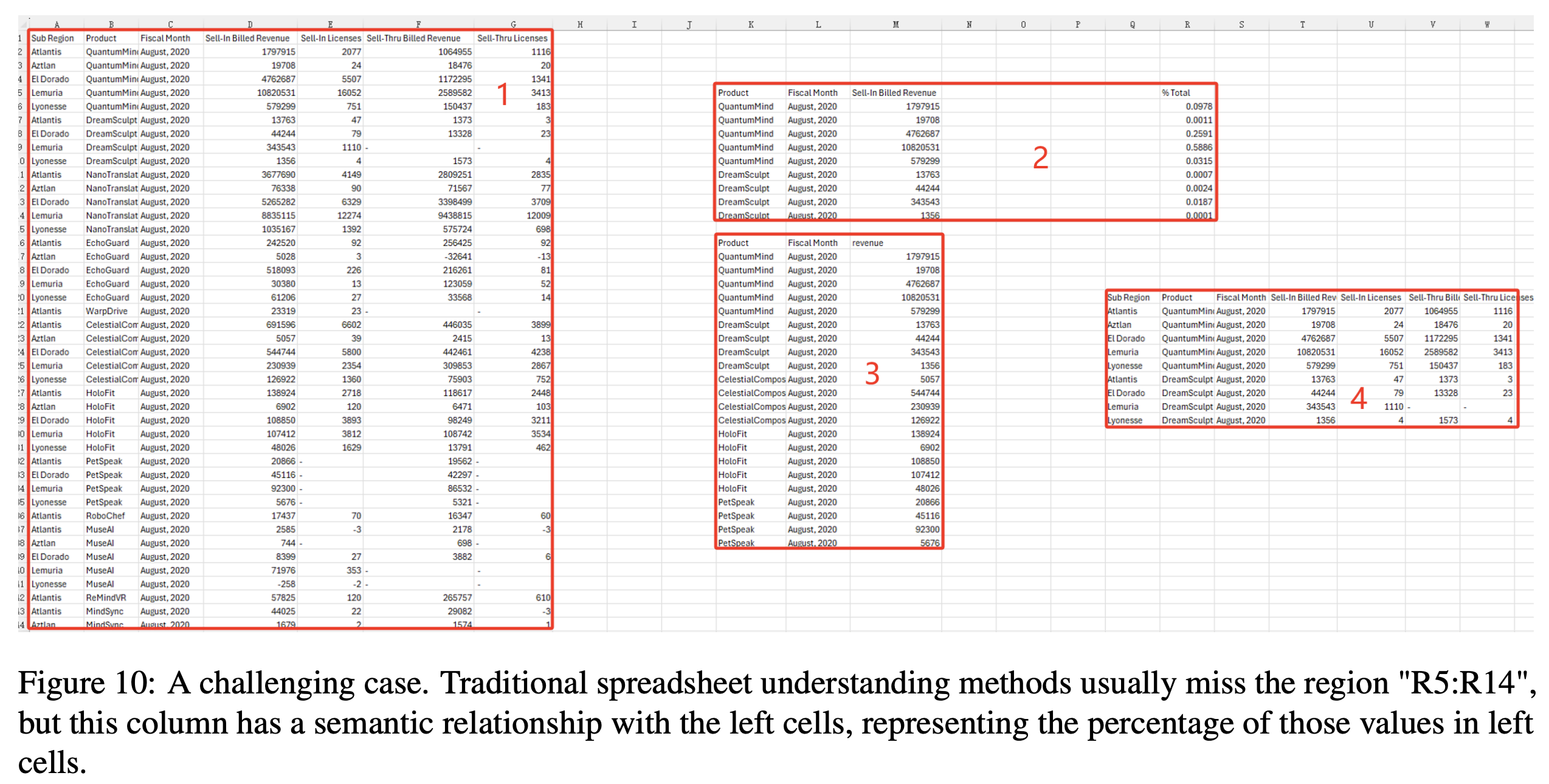
- Structural parsing: We decompose workbooks into their constituent tables, handling merged cells, hierarchical headers, and multi-sheet relationships. This is a harder problem than it sounds — Microsoft Research's TableSense work showed that less than 3% of real-world spreadsheet tables have a pre-defined data model or are properly normalized. The rest are hand-crafted layouts with embedded sub-tables, blank separator rows, and closely arranged multi-table sheets. Even Excel's own built-in table detection only achieves 58.5% recall.
- Targeted extraction: Rather than asking the model to reason over an entire workbook, we identify relevant ranges and present them in a format the model can process reliably.
- Cell-level citation: Every extracted data point is traced back to the specific cell where it was found — sheet name, cell reference, and value. When our system tells you the project's expected capacity factor is 28.5%, it shows you that came from
Sheet: "Revenue Model", Cell: G14.
That last piece — citation — is what makes this usable in a transaction context. Due diligence isn't about getting an answer. It's about being able to verify the answer. If you can't trace a number back to its source cell, you haven't extracted information — you've generated a guess.
Testing on Real-World Data: The Enron Spreadsheet Corpus
We benchmark against genuinely messy spreadsheets — among them the Enron Spreadsheet Corpus, over 15,000 business files extracted from the Enron email archive that became public through the fraud investigation.
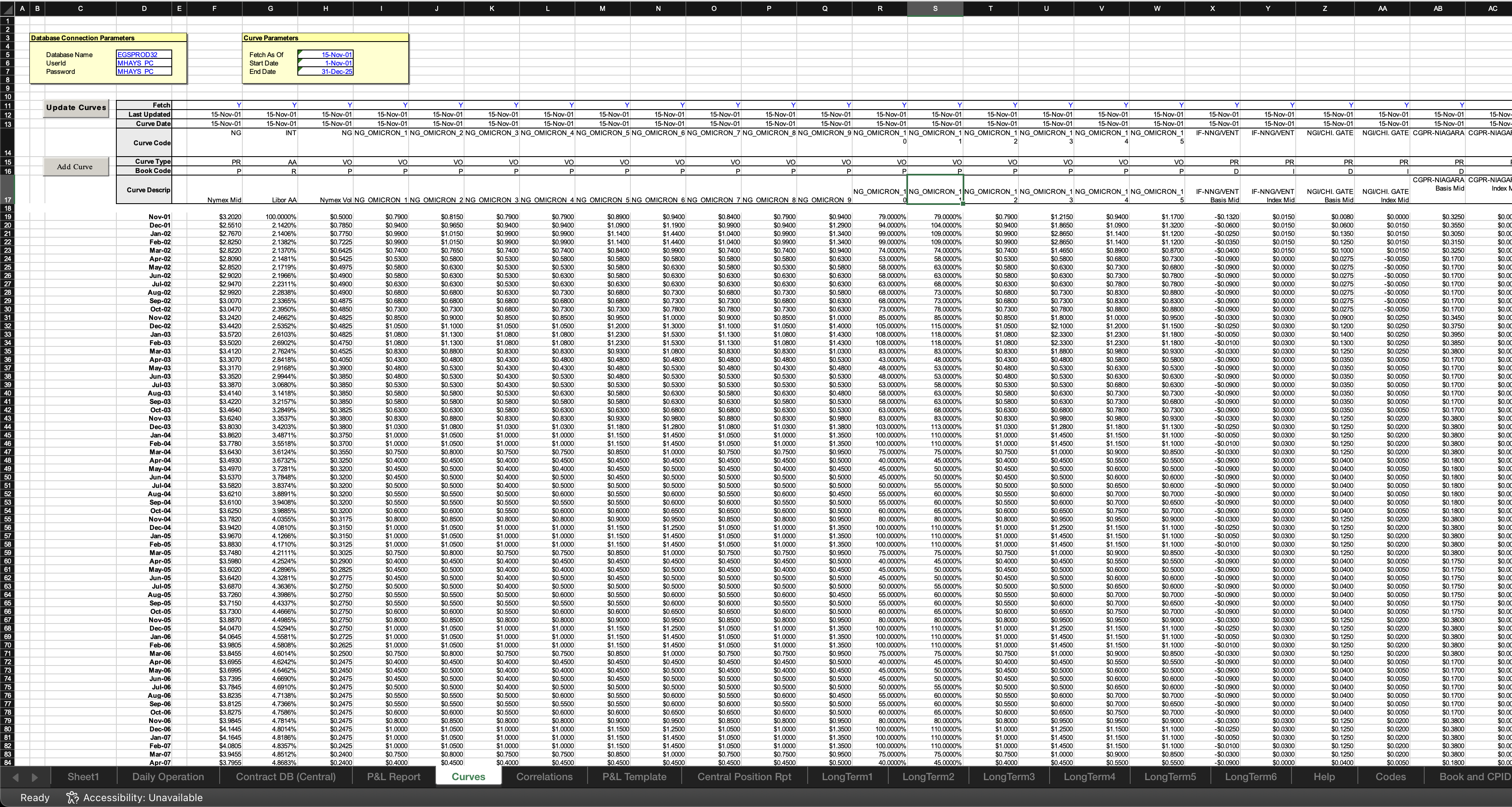
The Enron corpus is a gift to spreadsheet researchers. Felienne Hermans and Emerson Murphy-Hill published the foundational analysis in 2015, and the findings are a perfect encapsulation of how spreadsheets actually get used in industry: 24% of spreadsheets with formulas contain at least one Excel error. 76% of spreadsheets use the same 15 functions. The files are, to use the academic term, "substantially more smelly" than other research corpora — long calculation chains, undocumented dependencies, and all the artifacts of spreadsheets built under time pressure by people who were definitely not thinking about machine readability.
These are exactly the kinds of files that show up in data rooms. Testing against them gives us confidence that our extraction pipeline handles real-world messiness, not just clean benchmark files.
Relevant datasets for those interested:
- Enron Spreadsheet Corpus (SheetJS extraction of the original archive)
- DECO: Dresden Enron Corpus (annotated subset with layout labels)
- TableSense Dataset (labeled table detection data)
- FinSheet-Bench (financial spreadsheet QA benchmark)
Where This Is Headed
We're increasingly bullish that LLMs can handle Excel extraction — not by brute-forcing the entire workbook into a prompt, but through systems that decompose the problem into structure detection, targeted retrieval, and verified extraction. The FinSheet-Bench results show that raw model accuracy on complex files isn't sufficient for professional use. But that's a solvable problem if you build the right scaffolding around the model.
The trajectory here mirrors what happened with PDF processing a few years ago: early attempts were brittle and unreliable, benchmarks gradually exposed the failure modes, and purpose-built systems emerged that combined ML perception with deterministic verification. Excel is following the same arc, just later, because the problem is harder. A PDF is a visual document rendered to a fixed layout. A spreadsheet is a living computational graph with implicit semantics encoded in formatting, formulas, and spatial relationships. The table in row 15 might reference a named range on a hidden sheet that pulls from an external link that's been broken since 2019. Good luck with that, GPT.
But the gap is closing. For information extraction — the core task in due diligence, where you need to pull specific values from specific locations — the accuracy is now sufficient, if you build the right scaffolding around the model. That's what we built.
References
- Dong et al. "FINCH: Benchmarking AI Agents on Enterprise Spreadsheet Workflows." arXiv:2512.13168, 2025.
- Ravnik et al. "FinSheet-Bench: Question Answering over Financial Spreadsheets." arXiv:2603.07316, 2026.
- Dong et al. "TableSense: Spreadsheet Table Detection with Convolutional Neural Networks." arXiv:2106.13500, 2019. Dataset: HuggingFace.
- Chen et al. "FinQA: A Dataset of Numerical Reasoning over Financial Data." arXiv:2109.00122, EMNLP 2021.
- Zhu et al. "TAT-QA: A Question Answering Benchmark on a Hybrid of Tabular and Textual Content in Finance." ACL 2021.
- Ye et al. "SpreadsheetArena: Benchmarking LLMs on Spreadsheet Tasks." arXiv:2603.10002, 2026.
- Chen et al. "SpreadsheetLLM: Encoding Spreadsheets for Large Language Models." arXiv:2407.09025, 2024.
- Hermans, F. & Murphy-Hill, E. "Enron's Spreadsheets and Related Emails: A Dataset and Analysis." ICSE 2015, pp. 7–16. doi:10.1109/ICSE.2015.129.
- Enron Spreadsheet Corpus (SheetJS extraction of the original archive).
- Koch et al. "DECO: A Dataset of Annotated Spreadsheets for Layout and Table Recognition." ICDAR 2019.
- Spreadsheets Are All You Need — GPT-2 implemented entirely in Excel cell formulas.